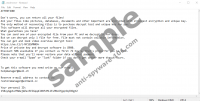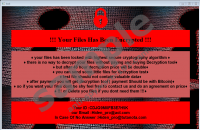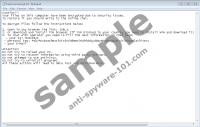
Cerber Ransomware is a devious Windows infection that enters your operating system using clandestine methods. Whether this program slithers in via a corrupted spam email attachment or gets downloaded by a malicious installer, it will hide itself until all of your personal files are encrypted. If this malicious infection successfully encrypts your personal files, it can proceed to demand a ransom from you. According to our research, at the moment, this ransom is 1.24 BTC, which is around 507 USD or 463 EUR. Every user is given 7 days to make the payment, and, if the payment is not made, the ransom supposedly rises to 2.48 BTC (~1014 USD/925 EUR). Note that the Bitcoin currency is quite unstable and the currency ratios fluctuate frequently. All in all, the sums are high, and it is unlikely that many victims have this kind of money lying around. Unfortunately, at the moment, it is impossible to decrypt personal files in other ways, which means that paying the ransom might be the only way to regain control over your files. Of course, this does not change the fact that you must remove Cerber Ransomware. Read more »